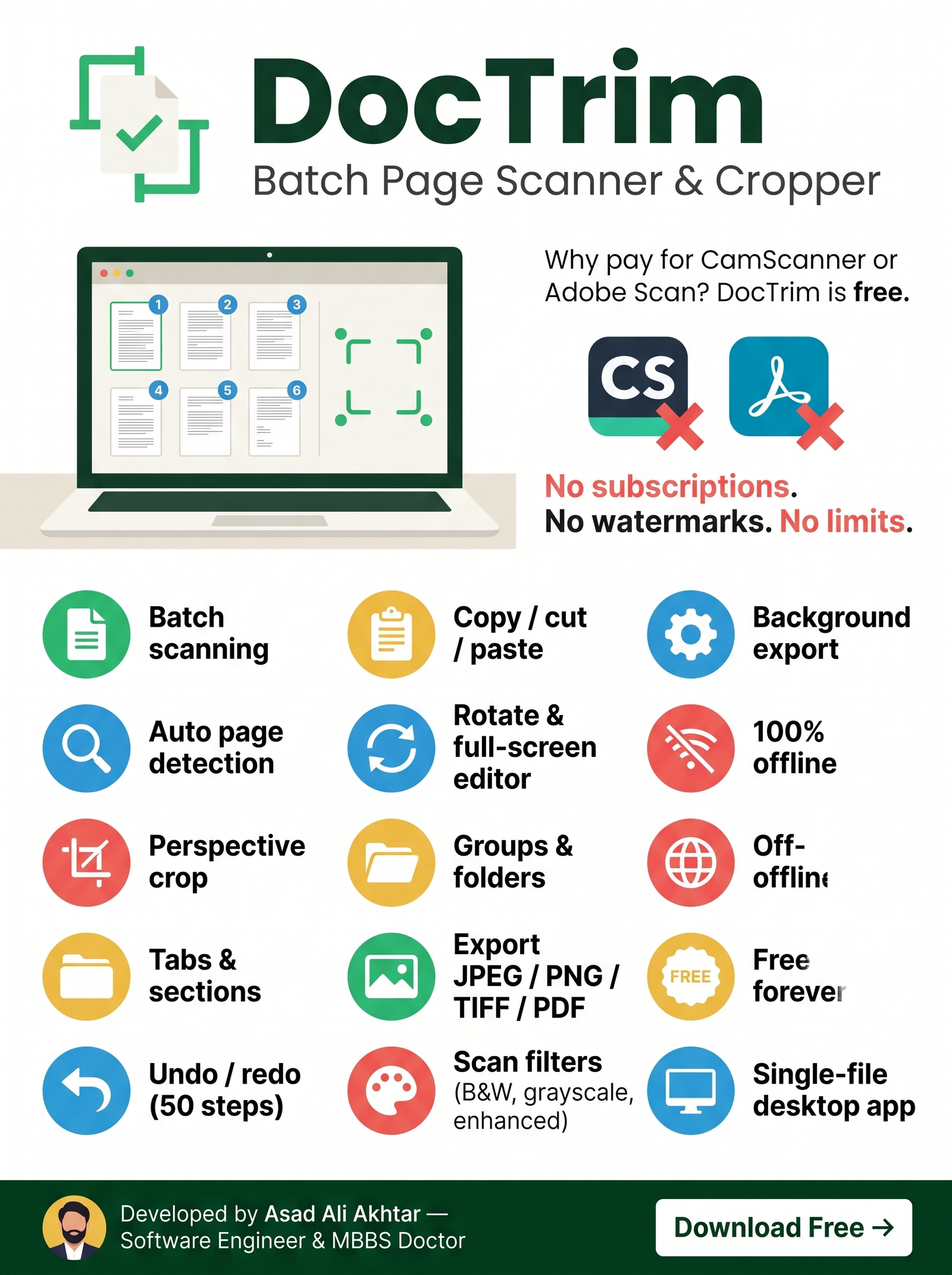
DocTrim is a powerful desktop application for batch scanning, perspective-correcting, cropping and exporting document pages — all with an intuitive workspace-based interface.
From smart auto-detection to batch export — DocTrim handles it all in one clean interface.
Multi-algorithm auto-detection uses colour distance, brightness, saturation, edge analysis and GrabCut to find page outlines — then refines corners with robust line fitting.
4-corner + 4-edge draggable crop frame with a real-time magnifier loupe. Click anywhere and the nearest handle jumps there — precision at your fingertips.
Each tab is an independent workspace with its own images, output folder, format, groups and export settings. Run exports in one tab while editing in another.
Organise images within a workspace using multiple sections. Double-click to rename. Numbering and export work seamlessly across all sections.
Apply professional-grade filters: Original colour, Enhanced (CLAHE), Clean grayscale, or Black & White scan — with background flattening built in.
Assign images to colour-coded groups. Each group exports into its own sub-folder — perfect for multi-chapter books or separate document sets.
Four simple steps from captured photos to professional scanned documents.
Add photos via file picker or drag-and-drop. Supports JPG, PNG, BMP, TIFF and WebP.
One click detects page boundaries using five intelligent algorithms. Handles any background.
Adjust crop corners, rotate pages, apply scan filters. See a live result preview instantly.
Export to JPEG, PNG, TIFF or multi-page PDF with your choice of compression. Background threaded.
The crop canvas gives you surgical control over page boundaries with an interactive quad-perspective frame.
Every change you make — crops, rotations, numbering, grouping, sorting, imports, removals, cut/paste — is tracked in a 50-step history per tab.
Select images for export with intuitive click-based numbering, box selection, or bulk operations. DocTrim keeps your page order clean.
Choose the format that fits your workflow — with full control over quality and compression.
Lossy compression. Quality levels: 70, 85, 92, 100. Ideal for sharing.
Lossless compression. Levels 1–9. Perfect for archival quality.
LZW, Deflate or Uncompressed. Industry-standard for document scanning.
All pages in one file. Lossless (Flate) or JPEG modes. Ready to print or share.
Power users — every critical action is just a keystroke away.
Windows 10 / 11 (64-bit)
Python 3.8+, PyQt6, OpenCV, NumPy (bundled in installer)
~200 MB for install. No cloud account needed.

A unique blend of medical expertise and software engineering — Dr. Asad Ali Akhtar designed DocTrim to solve the real-world problem of digitising physical documents efficiently. Built with passion for clean code and intuitive design.
Download DocTrim now — free, fast, and runs entirely offline on your machine.
⬇ Download DocTrim for Windows